
 Imaging Software
Imaging Software
MUSICA™ Workstation
- Model
- MUSICA Workstation
- Brand
- Agfa
The brain of Agfa’s X-ray solutions, designed for technologists.
Description
The brain of Agfa’s X-ray solutions, designed for technologists.
Easy, intuitive, intelligent
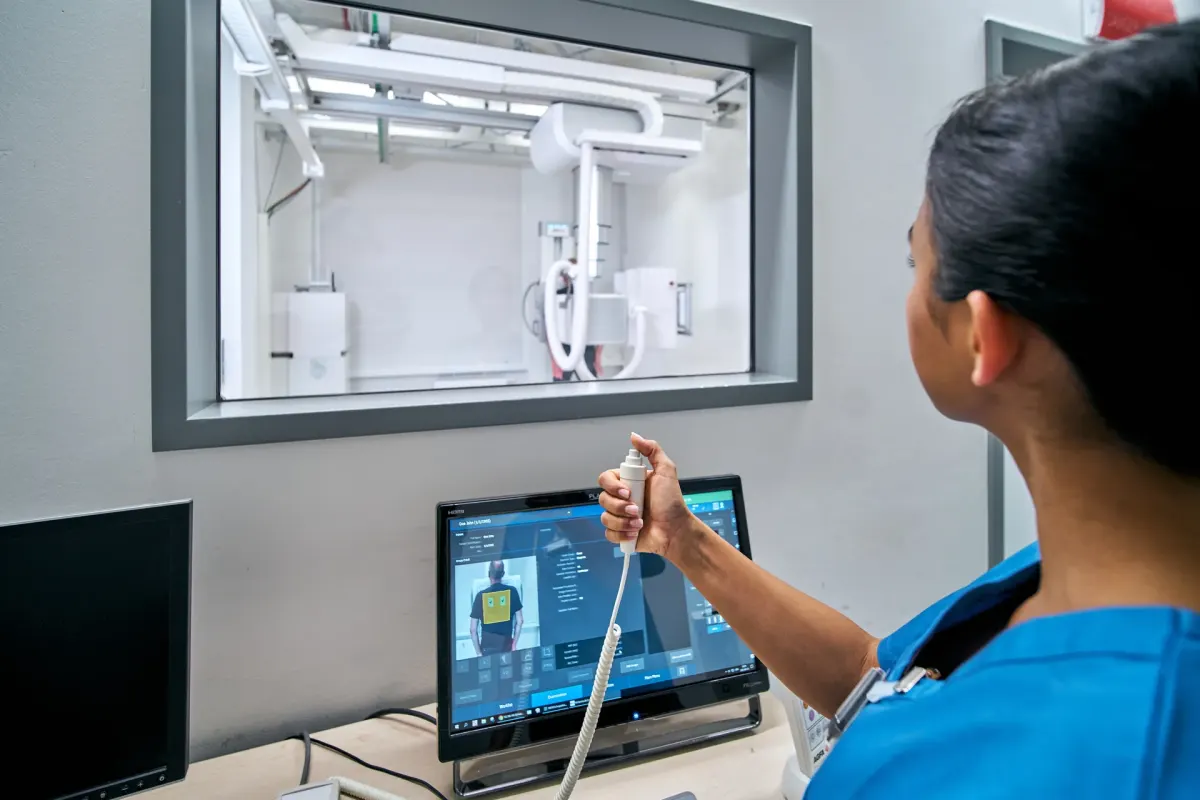
The MUSICA™ Workstation is the nerve center of all your Agfa DR and CR imaging systems. It offers a single, intuitive interface with all functionalities available in just a few clicks. Quick previews reduce the time between exposures and help increase throughput. The result is a lower cost per exam and a faster patient experience.
Efficient, for time savings
Fast image preview and processing
Image preview starts immediately after exposure and the processed image is generated after a few seconds.
No window/level adjustments
Image processing parameters are set automatically by MUSICA™ based on each image’s content, independently of body part, exposure, etc., which avoids manual window/level adjustments.
Customized workflow
The user’s workflow can easily be customized, enabling fast, smooth completion of tasks.
Standardized connectivity
The DICOM Modality Worklist standard reduces errors in the transmission of patient information and standardizes the way patient information is exchanged between devices.
Remote image viewer without PACS
Distribute images to almost any computer on the network, even in small private practices, to show patients their images in the clinician’s office or the exam room.
Intuitive, for new users
Same experience across modalities
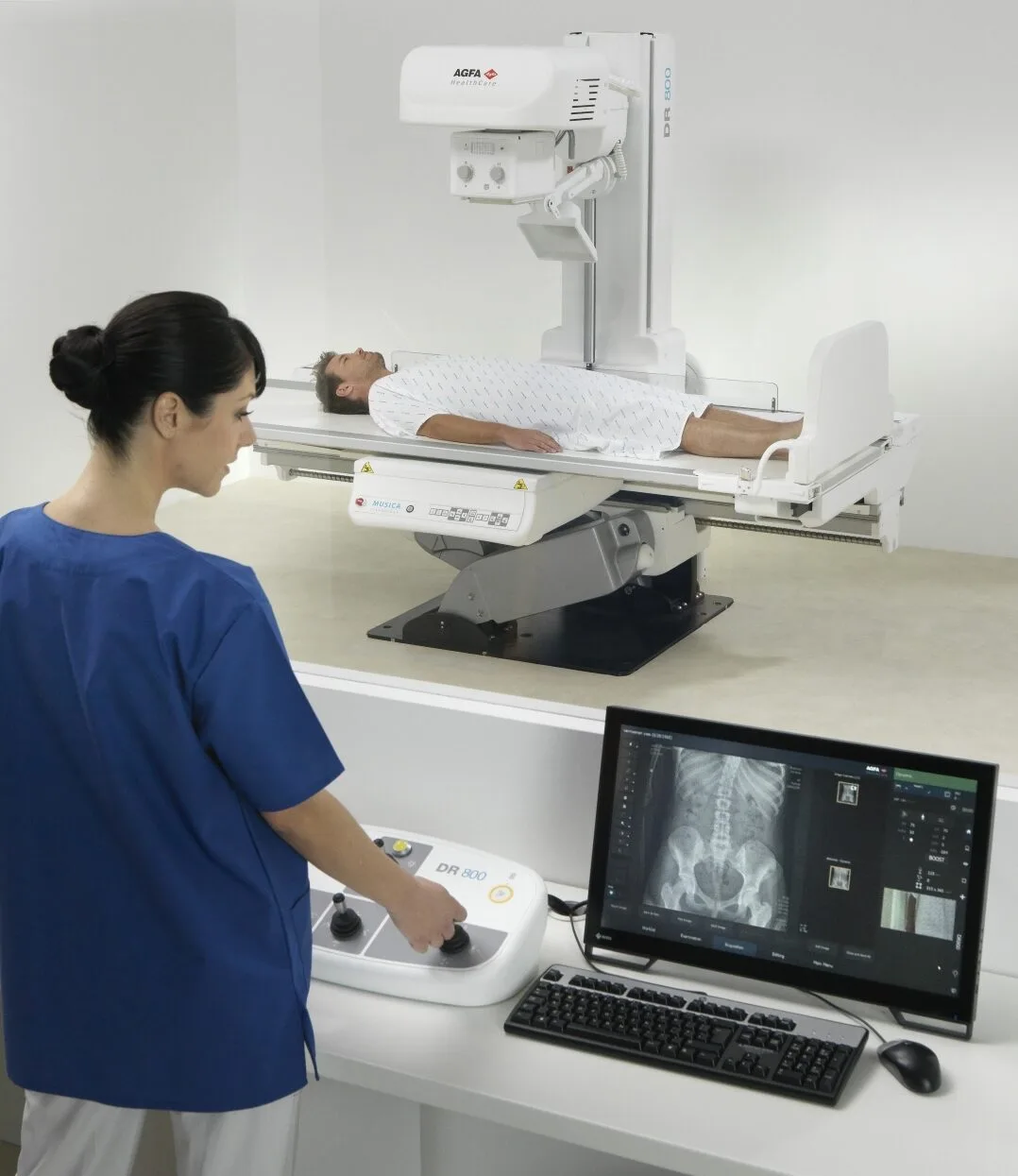
A single interface for all workstations: R&F, general radiography, DR or CR.
Hybrid touchscreen/mouse interface
Simple tasks are done with a tap on the screen, while precision work, e.g. guided measurements and advanced image processing, is done with the mouse.
User-friendly environment
MUSICA workstations run Microsoft Windows, a familiar environment for users to get started.
Comfortable reading
Images are surrounded by dark areas to facilitate image review.
Dose-oriented, for patient care
Immediate performance indication
On every exposure, the MUSICA™ workstation shows how much the exposure dose deviates from the exam reference value, and it analyzes reject statistics.
Dose reports for QA analysis
The MUSICA™ workstation supports the IHE Radiation Exposure Monitoring (REM) profile and can create advanced reports to assess whether certain examinations or radiographers require extra training.
Centralized dose monitoring
All MUSICA™ workstations can transmit all dose and reject records to a Central Monitoring Station.
Hardened, for data security
Frequent vulnerability scanning
Weekly scanning with a vulnerability scanner trusted by tens of thousands of organizations worldwide.
Regular security updates
Software releases include Windows hotfixes and new versions of the workstation acquisition application. In case of vulnerabilities, a risk assessment leads to additional patches whenever necessary.
U.S. Defense Information Systems Agency guidance
MUSICA workstations are configured following DISA STIGs, security rules that harden Windows against misuse.
Secure authentication
All MUSICA workstations use Windows Authentication, a secure way to verify identity that makes it more difficult for attackers to read passwords or other credentials.
Data encryption
Secure DICOM is supported, and sensitive information is encrypted, e.g. passwords, hard disk data with BitLocker and interprocess communication.
Data integrity
PHI data is only accessible and modifiable by authorized personnel, and hashing techniques are used to prevent malicious data tampering.
Data recovery
Hourly backup to restore the database in case of disk failure or power outage.
Upgrade your workstation
Patient wristband reading
Avoid patient mix-up: miscommunication can lead to exposing the wrong patient, especially in bedside exams. Save time with zero clicks to start an exam from the worklist.
Central Monitoring Station
The QA manager centralizes all dose and reject reports from any workstation for dose monitoring and reject analysis, without interrupting radiographers. Radiographers can remotely review, edit and improve images outside the room, to avoid discussions next to the patient.
Portable or fixed?
Handheld workstation
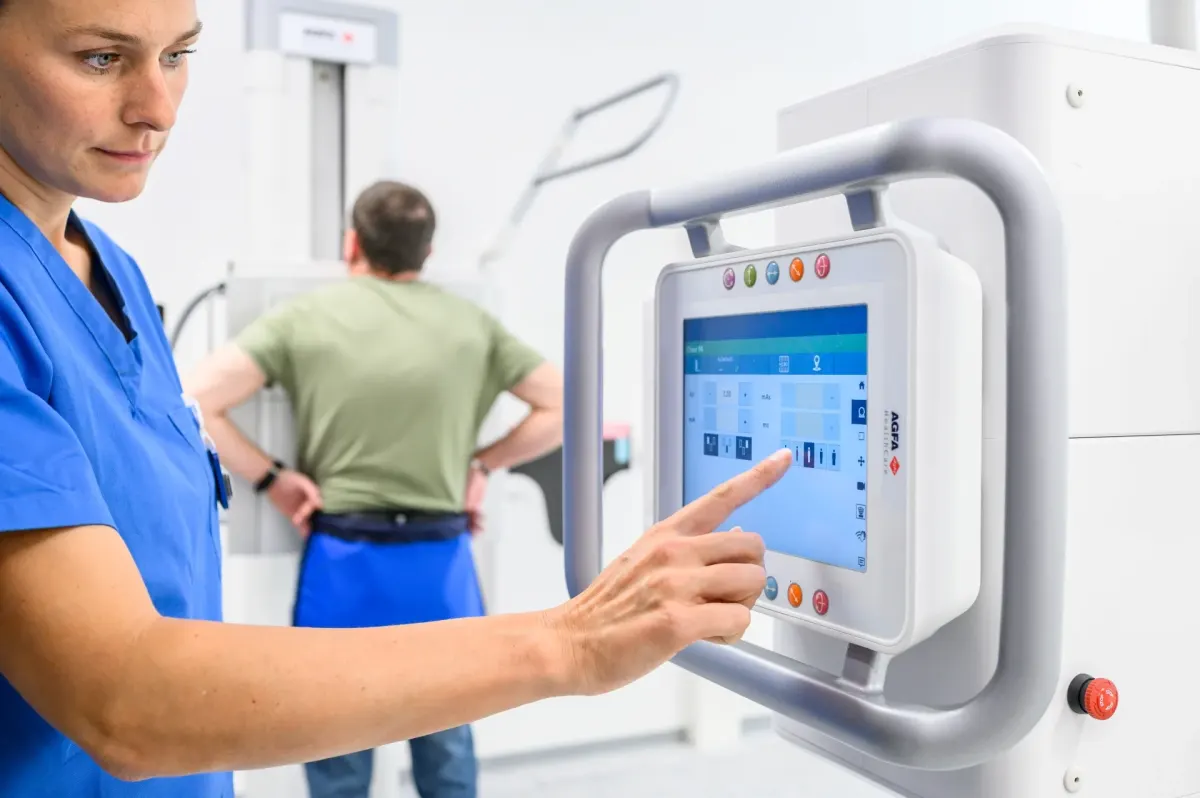
Go from room to room with the 2-in-1 laptop/tablet, easily switch between external monitors and comfortably mix CR and DR Retrofit workflows.
Workstation compatible with DR and CR
Lets you upgrade your CR installation for more productivity.
Downloads
Related products
- Imaging Software
 Imaging Software
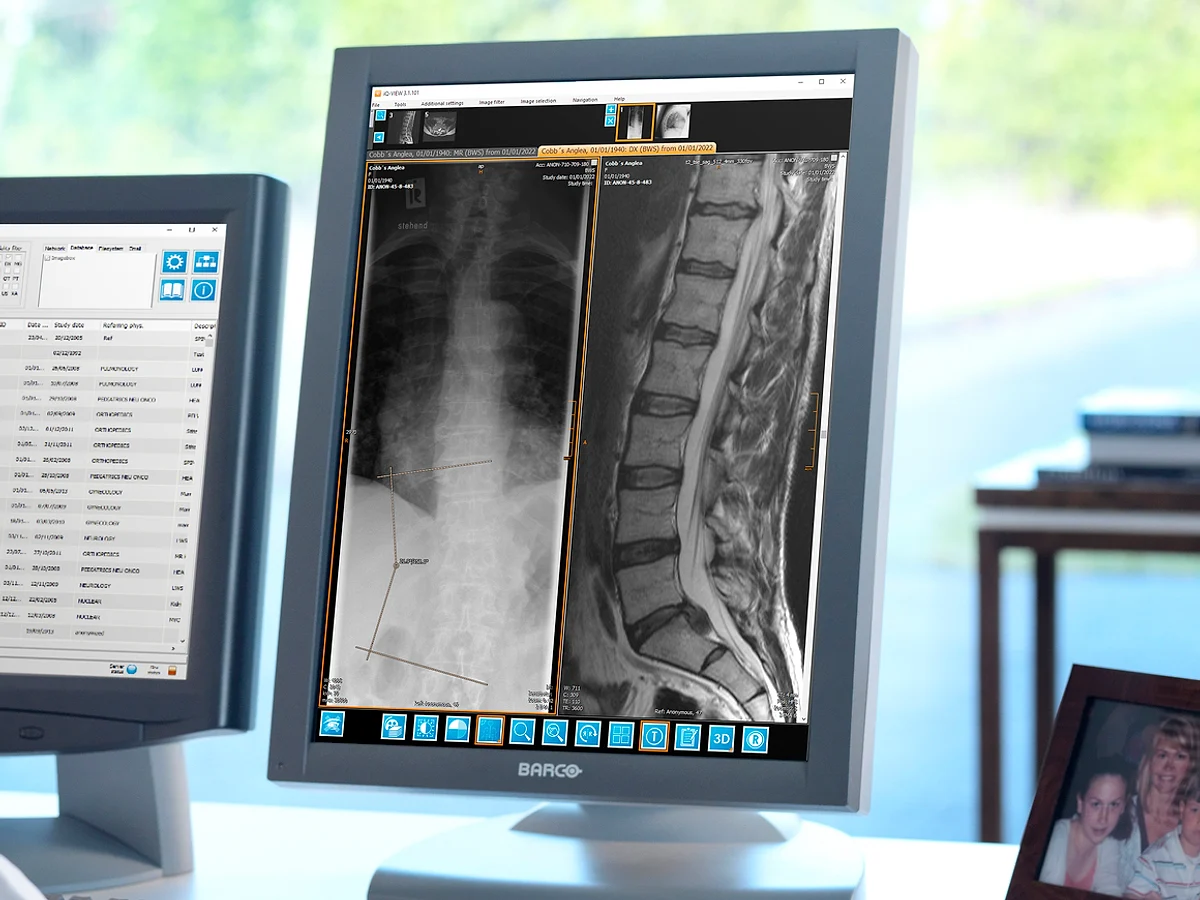 Imaging Software
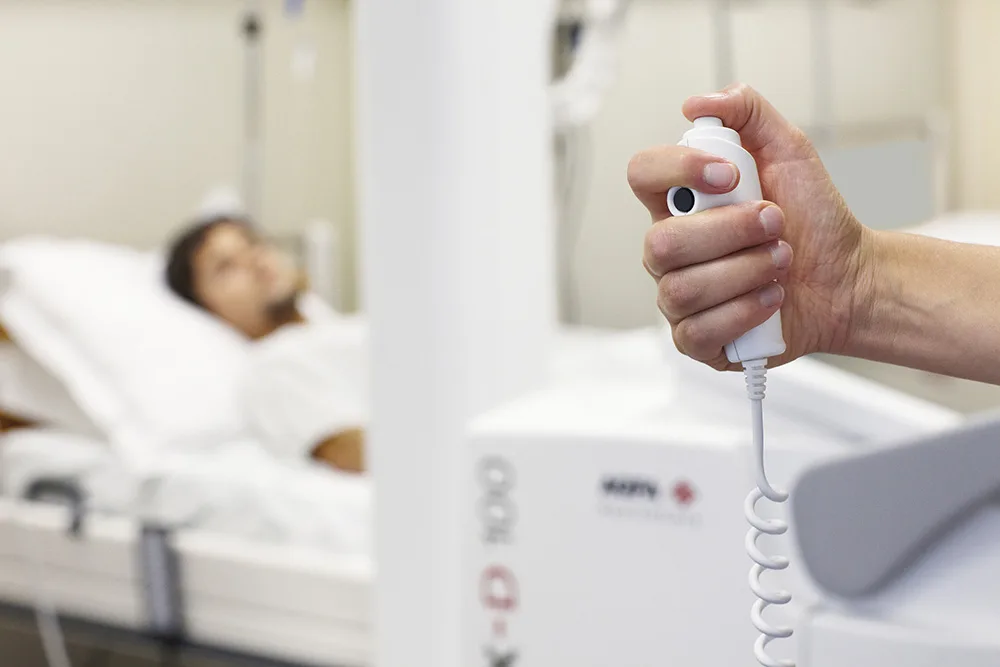 Imaging Software
Related knowledge
View all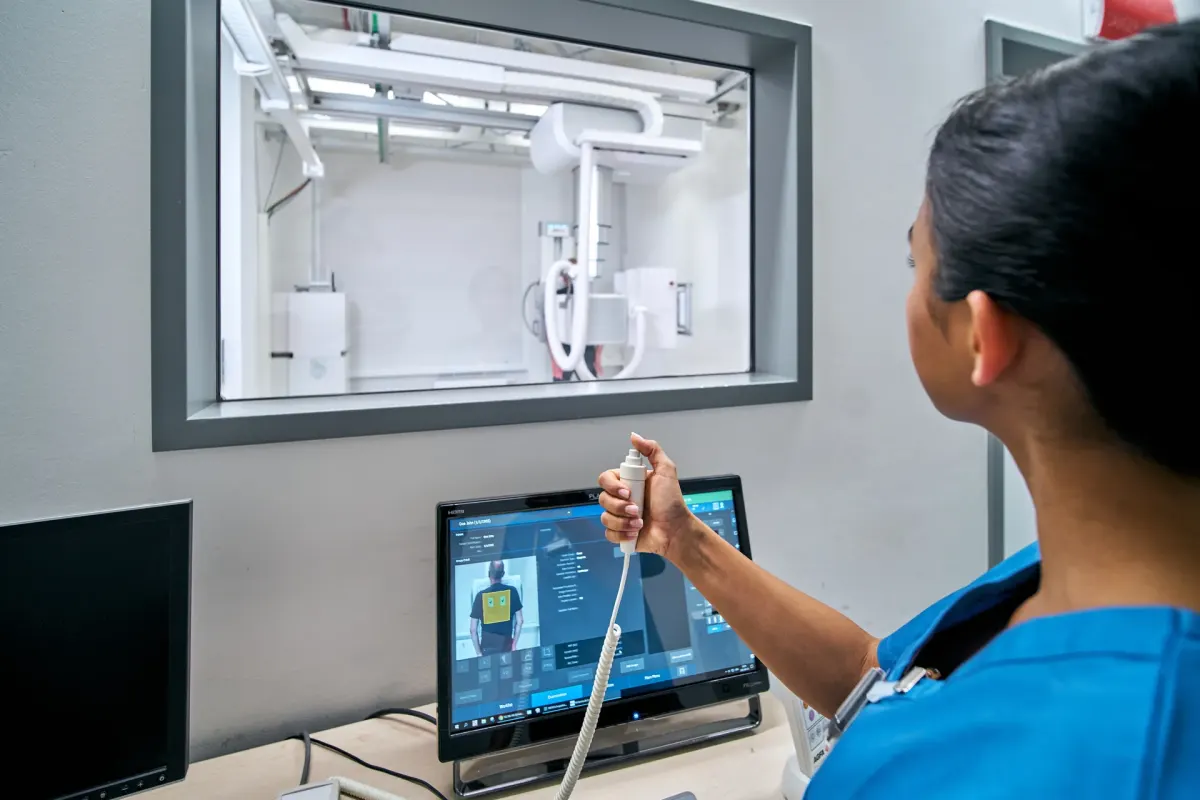
News · Imaging Software
X-ray Imaging Cybersecurity Checklist
4 questions to ask about the data protection on your X-ray modality Your IT department is undoubtedly focused on securing servers, networks, and cloud environments. But are they overlooking a critical...
5 min readAgfa
News · Imaging Software
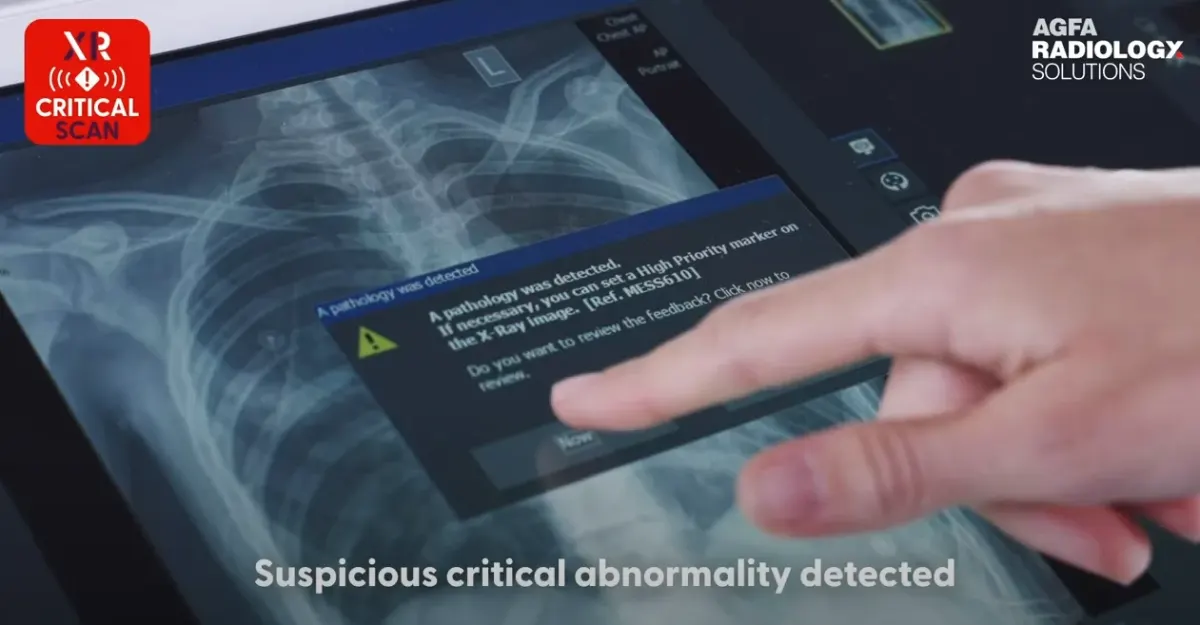
#ECR 2023, Agfa and Lunit demonstrate INSIGHT CXR AI software integrated in the MUSICA® Workstation to speed up critical findings notification protocols.
Agfa and Lunit have collaborated to deliver clinicians a new critical findings notification workflow, by integrating the Lunit INSIGHT CXR software in the MUSICA workstation. Radiographers will automa...
2 min readAgfa
News · Imaging Software
Istituti Fisioterapici Ospitalieri, in Rome, Italy, renews and upgrades its AGFA HealthCare Enterprise Imaging system with integrated AI, advanced post-processing tools, and AWS Cloud.
IFO in Rome, Italy, renews and upgrades its AGFA HealthCare Enterprise Imaging system with integrated AI, advanced post-processing tools, and AWS Cloud.
3 min readAgfa