

Tech tip1 min read
Tech Tip 119: Reading the New IMAGELINK Microfilm Label
How to read the numeric code and other fields on the new IMAGELINK microfilm label that record each roll's manufacturing history.
New IMAGELINK microfilm labels include a numeric code and several other fields that record the manufacturing history of each roll.
Highlights
- First two digits: Coating Month (01 to 96)
- Second two digits: Type of Film
- Third two digits: Emulsion #
- Last two digits: Master Roll number
- Cat #: 7-digit product code
- Other label information: winding direction (Emulsion In), expiration date, reel type (black reel) and Case sequence number
Source:Eastman Park Micrographics(epminc.com)(opens in a new tab)
Attachments
Comments
No comments yet. Be the first to share your view.
Leave a comment
More to read
Tech tip · Dental Imaging
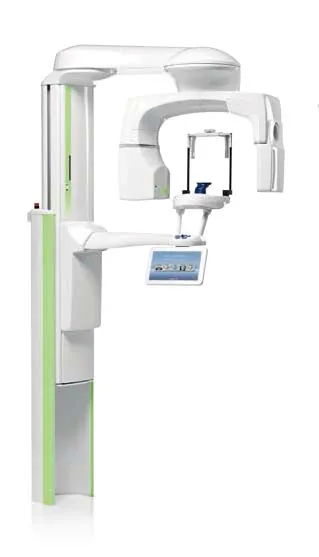
Planmeca ProMax Cephalostat with ProTouch User's Manual
User's manual for the Planmeca ProMax Cephalostat with ProTouch touchscreen, for accurate head positioning and cephalometric imaging on 2D and 3D ProMax units.
Planmeca
Tech tip · Dental Imaging
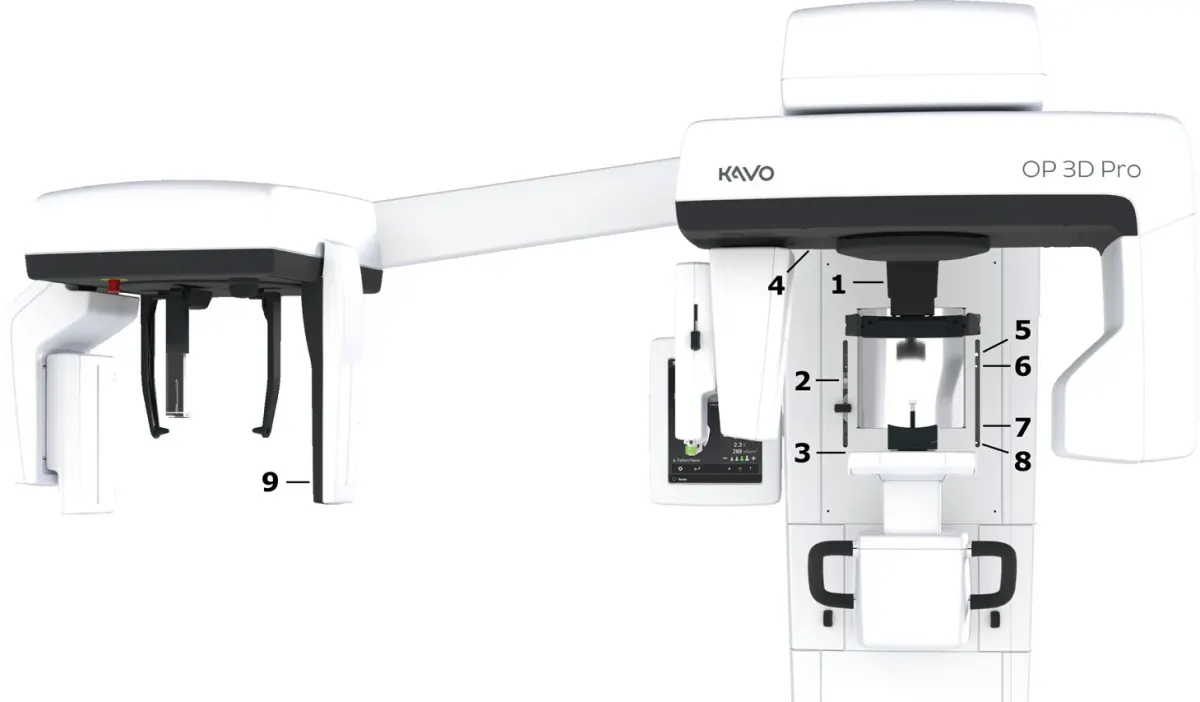
ORTHOPANTOMOGRAPH OP 3D Pro User Manual
User manual and technical specifications for the OP 3D Pro digital dental imaging system with panoramic, cephalometric and Cone Beam 3D programs.
Instrumentarium Dental
Tech tip · Microfilm
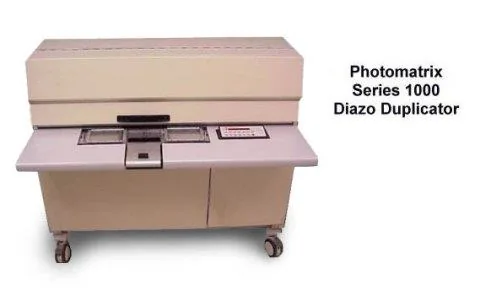
Tech Tip 91: Choosing the Correct IMAGELINK Product
IMAGELINK camera, duplicating, Archive Writer and COM films and processing chemicals grouped by equipment and application, with catalog numbers.
Eastman Park Micrographics