

Tech tip1 min read
ORTHOPANTOMOGRAPH OP 3D Pro User Manual
User manual and technical specifications for the OP 3D Pro digital dental imaging system with panoramic, cephalometric and Cone Beam 3D programs.
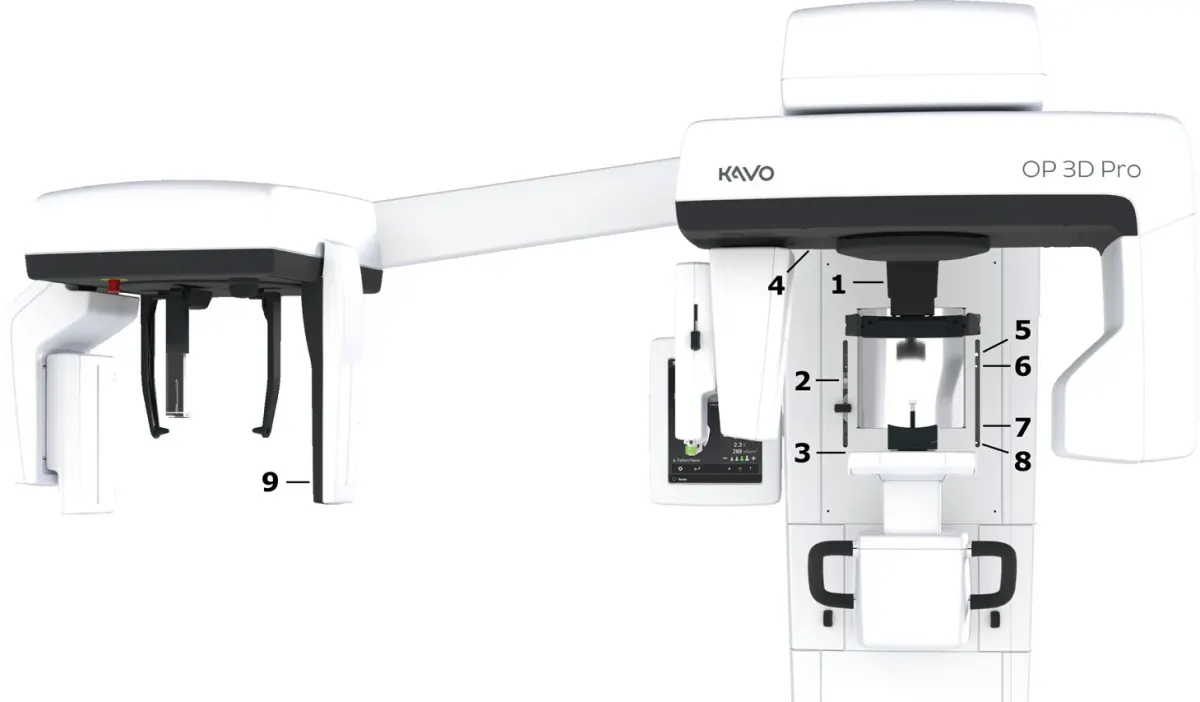
This document is the official user manual for the ORTHOPANTOMOGRAPH OP 3D Pro (model OP300-1), a digital dental imaging system with panoramic, cephalometric and Cone Beam 3D programs that produces high-quality digital images of the teeth, TMJ and skull.
The unit is intended for radiographic examination of the teeth, jaws and TMJ area by producing conventional 2D images and projection images for reconstructing a 3D view. The typical operator is a dental assistant trained to work with dental X-ray equipment. The manual covers the unit introduction, user interface, imaging programs, patient positioning, troubleshooting, maintenance and technical specifications.
Source:Instrumentarium Dental
Comments
No comments yet. Be the first to share your view.
Leave a comment
More to read
Tech tip · Dental Imaging
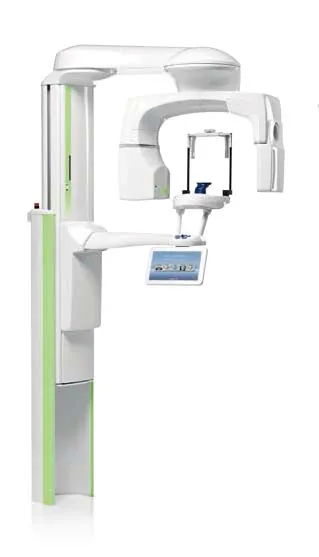
Planmeca ProMax Cephalostat with ProTouch User's Manual
User's manual for the Planmeca ProMax Cephalostat with ProTouch touchscreen, for accurate head positioning and cephalometric imaging on 2D and 3D ProMax units.
Planmeca
Tech tip · Microfilm
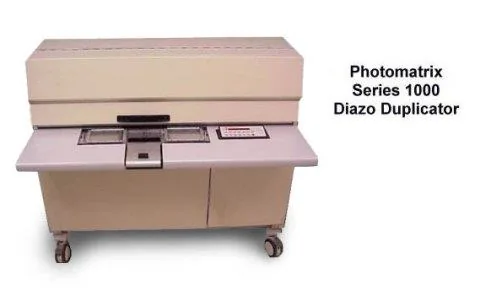
Tech Tip 91: Choosing the Correct IMAGELINK Product
IMAGELINK camera, duplicating, Archive Writer and COM films and processing chemicals grouped by equipment and application, with catalog numbers.
Eastman Park Micrographics
Tech tip · Document Archiving
Core and Reel Cross Reference for New Imagelink Codes
Cross reference of 16mm, 35mm and 105mm plastic cores and spools with center hole configurations for the new Imagelink product codes.
Eastman Park Micrographics