

Tech tip2 min read
Table-Top Processor Chemistry Conversion Procedure
Procedure for cleaning and restarting a table-top microfilm processor or changing its chemistry brand or type.
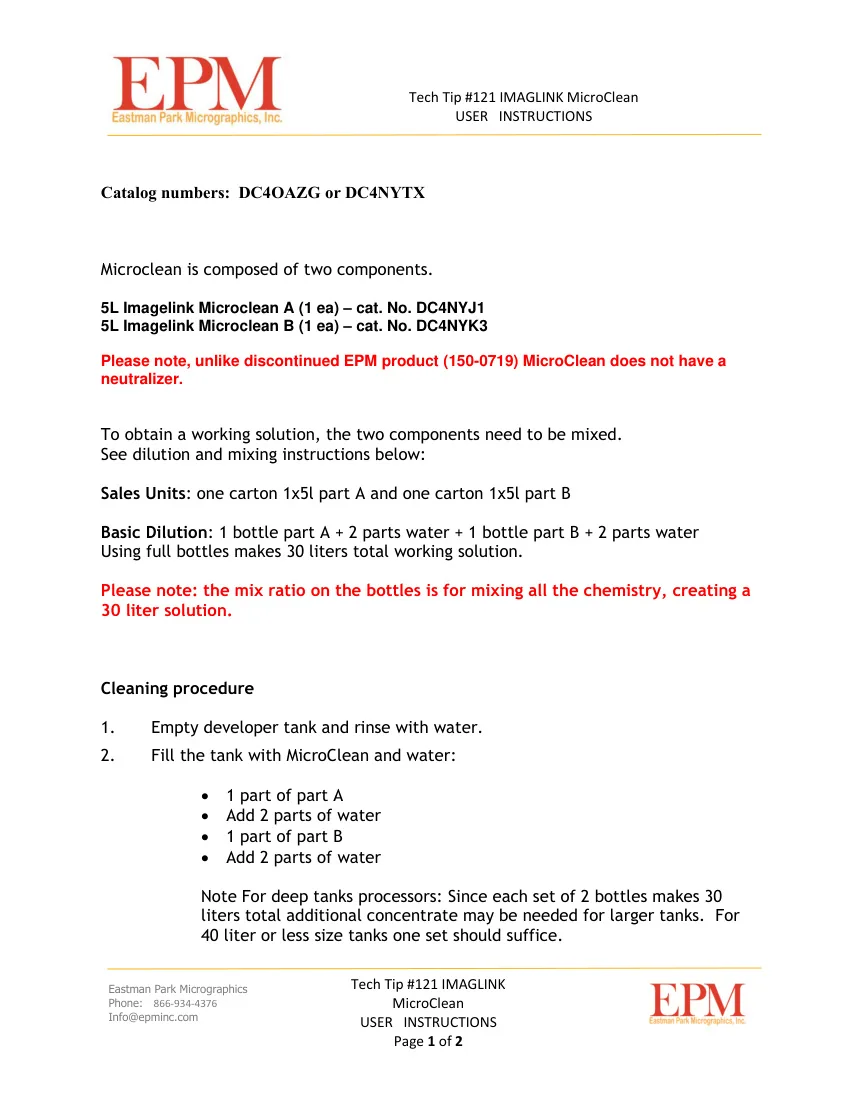
This procedure applies to cleaning and restarting a table-top processor or to changing from one manufacturer's chemistry to another, or from one chemistry type to another.
Highlights
- Before shutdown, the control strip reference step should be within the allowed range and its value recorded
- Use Imagelink Developer Systems Cleaner or Imagelink Microclean to clean the developer tank
- Finally, adjust temperature or speed until within ±.02 of the recorded reference density
Before shutting down the processor
- Run the process control routine twice to confirm stability
- Without a sensitometer, monitor the LD and RD steps of the pre-exposed strip
- Check production work to rule out a control strip error
Conversion steps
- Turn off the processor
- Remove the racks
- Drain the developer and fix tanks
- Rinse both tanks with clean water before adding cleaner
- Clean the developer tank and racks with Imagelink Developer Systems Cleaner or Imagelink Microclean
- If a replenishment system is used, replace the developer and fix bottles with the new chemistry
- Fill the tanks with the appropriate chemistry
- Turn on the processor and bring it to operating temperature with agitation
- Splice and process 5 customer control strips in the darkroom
- Record the average reference step density
- Adjust temperature or speed until within ±.02 of the recorded reference density
For more information, refer to D-17 Control Procedures for Source Document Microfilm Processing.
Source:Eastman Park Micrographics(epminc.com)(opens in a new tab)
Frequently asked questions
What should be checked before shutting down a table-top microfilm processor for a chemistry change?
The control strip reference step should be within the allowed range and its value recorded, and the process control routine should be run twice to confirm stability.
Which cleaners are used to clean the developer tank of a table-top microfilm processor?
Imagelink Developer Systems Cleaner or Imagelink Microclean are used to clean the developer tank and racks.
How can process stability be checked on a table-top microfilm processor without a sensitometer?
The LD and RD steps of the pre-exposed strip should be monitored.
What must be done if a table-top microfilm processor has a replenishment system when changing chemistry?
The developer and fix bottles must be replaced with the new chemistry.
How is a table-top microfilm processor adjusted after filling the tanks with new chemistry?
Five customer control strips must be spliced and processed, the average reference step density recorded, and temperature or speed adjusted until within ±.02 of the recorded reference density.
Attachments
Comments
No comments yet. Be the first to share your view.
Leave a comment
More to read
Tech tip · Dental Imaging
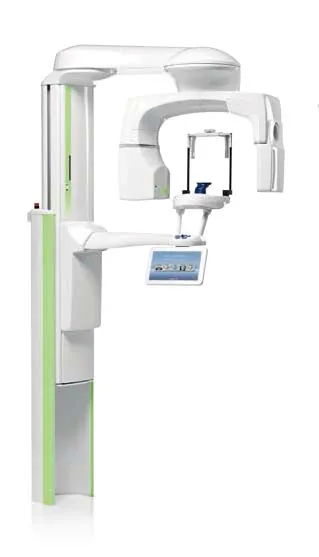
Planmeca ProMax Cephalostat with ProTouch User's Manual
User's manual for the Planmeca ProMax Cephalostat with ProTouch touchscreen, for accurate head positioning and cephalometric imaging on 2D and 3D ProMax units.
Planmeca
Tech tip · Dental Imaging
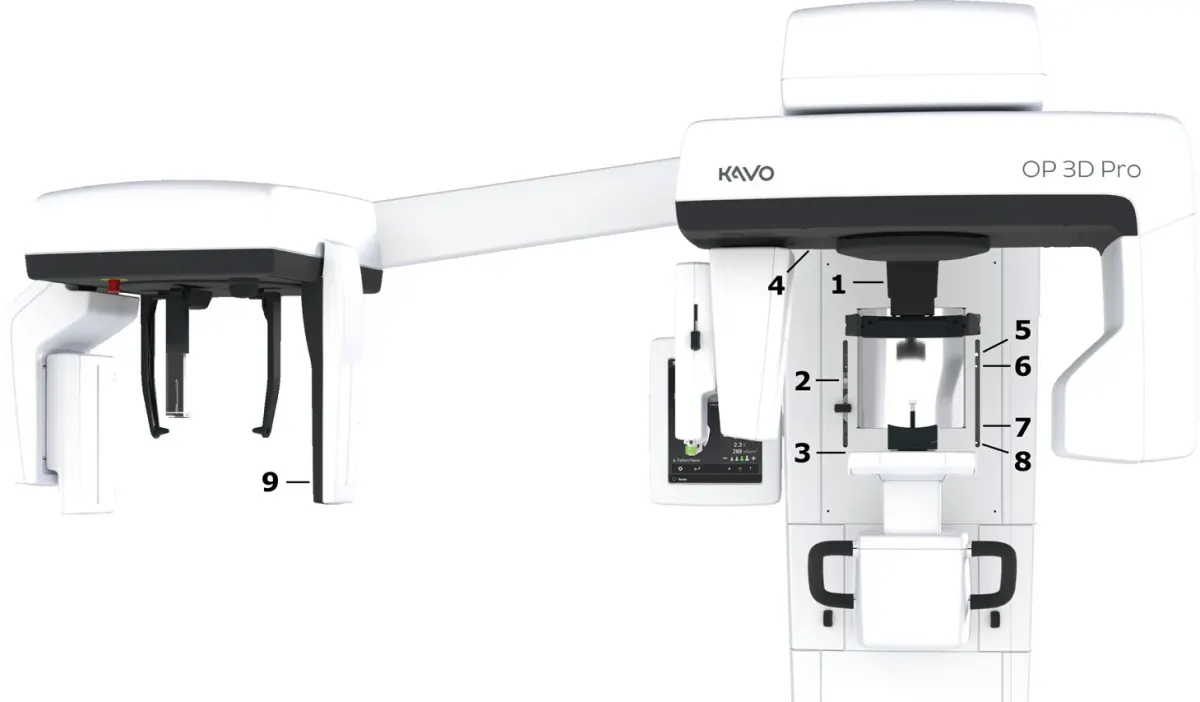
ORTHOPANTOMOGRAPH OP 3D Pro User Manual
User manual and technical specifications for the OP 3D Pro digital dental imaging system with panoramic, cephalometric and Cone Beam 3D programs.
Instrumentarium Dental
Tech tip · Microfilm
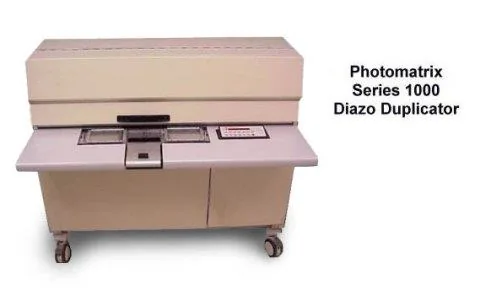
Tech Tip 91: Choosing the Correct IMAGELINK Product
IMAGELINK camera, duplicating, Archive Writer and COM films and processing chemicals grouped by equipment and application, with catalog numbers.
Eastman Park Micrographics