

Tech tip2 min read
Tech Tip 112: Loading Film into the IMAGELINK Smart Cassette
Step-by-step procedure for correctly loading a microfilm roll into the IMAGELINK Smart Cassette for the Archive Writer.
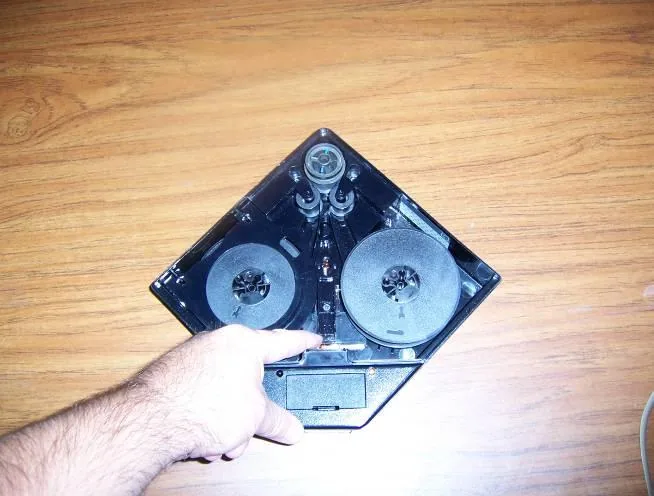
This guide describes the correct steps for loading a microfilm roll into the IMAGELINK Smart Cassette.
Highlights
- Open the film box in subdued light
- The reel always goes in with the side numbered 1 facing up
- Film unwinds from the reel counterclockwise
- The film path follows the arrows inside the cassette
- Correct loading is confirmed when the media supply indicator changes to a striped pattern
Steps
- Open the film box in subdued light.
- Hold the flange facing up and remove the paper band.
- Remove the cassette cover, raise the Light Guard and place the reel on the spindle lugs of the supply spindle with the side numbered 1 facing up.
- Film unwinds from the reel counterclockwise. Close the Light Guard after loading.
- Thread the film around the guide roller, drive roller and idler roller following the arrows inside the cassette.
- Hold the take up reel with the side numbered 1 facing up, insert the film into the reel slot and turn counterclockwise.
- Align the reel on the spindle lugs and seat it in the cassette.
- Pull the release lever toward the battery compartment and turn the take up reel three full turns counterclockwise to secure the film, then let the lever return to its normal position.
- Close the top cover. If loaded correctly, the media supply indicator changes to a striped pattern.
Source:Eastman Park Micrographics(epminc.com)(opens in a new tab)
Frequently asked questions
In which direction does the film unwind from the reel in the IMAGELINK Smart Cassette?
The film unwinds from the reel counterclockwise. This direction applies when loading both the supply reel and the take up reel.
How is correct loading confirmed in the IMAGELINK Smart Cassette?
After closing the top cover, if the film is loaded correctly the media supply indicator changes to a striped pattern. This change confirms the film has followed the correct path.
Which side of the reel must face up when loading the IMAGELINK Smart Cassette?
The reel is always placed with the side numbered 1 facing up. This rule applies to both the supply reel and the take up reel.
Attachments
Comments
No comments yet. Be the first to share your view.
Leave a comment
More to read
Tech tip · Dental Imaging
Planmeca ProMax Cephalostat with ProTouch User's Manual
User's manual for the Planmeca ProMax Cephalostat with ProTouch touchscreen, for accurate head positioning and cephalometric imaging on 2D and 3D ProMax units.
Planmeca
Tech tip · Dental Imaging
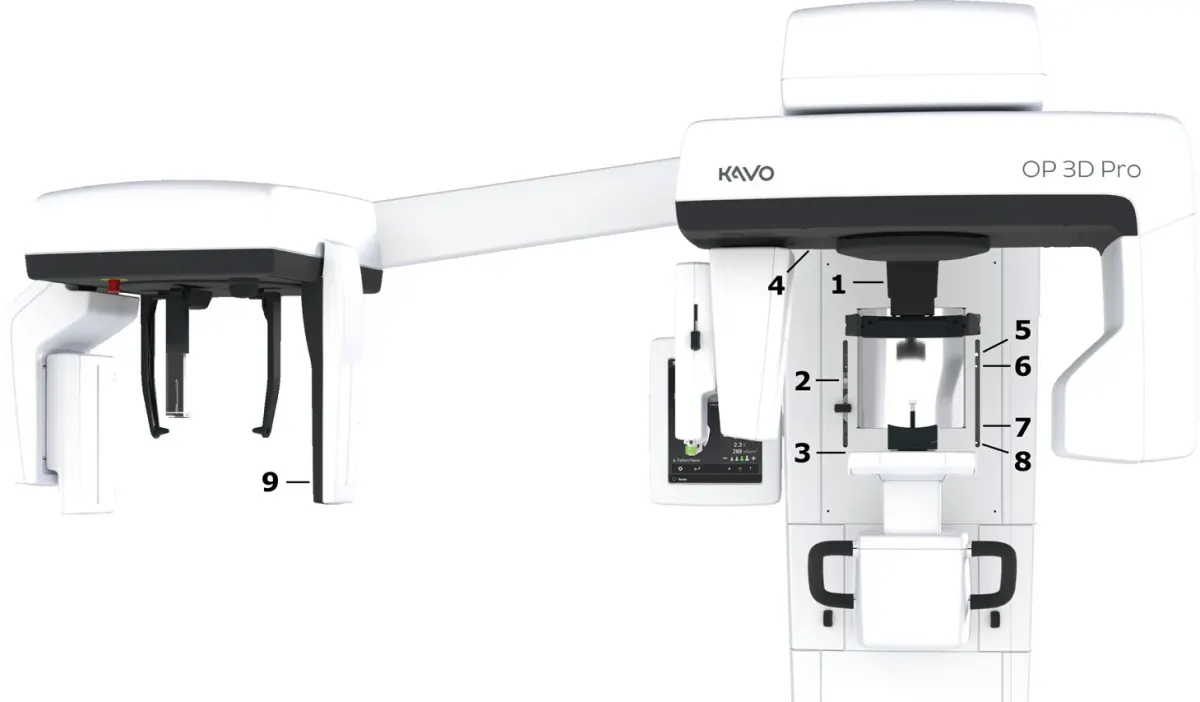
ORTHOPANTOMOGRAPH OP 3D Pro User Manual
User manual and technical specifications for the OP 3D Pro digital dental imaging system with panoramic, cephalometric and Cone Beam 3D programs.
Instrumentarium Dental
Tech tip · Microfilm
Tech Tip 91: Choosing the Correct IMAGELINK Product
IMAGELINK camera, duplicating, Archive Writer and COM films and processing chemicals grouped by equipment and application, with catalog numbers.
Eastman Park Micrographics