

Tech tip1 min read
Tech Tip 096: How to Tell If Microfilm Has Been Brown Toned
How brown-toned microfilm should look, what over-toning indicates, and the ANSI/ISO minimum conversion level.
Microfilm treated with Brown Toner should still be black and look slightly bluish-black compared with untreated film, although the difference is hard to see without a side-by-side comparison.
Highlights
- A brown film color or a "peach-colored stain" usually indicates overuse of the solution
- Polysulfide solutions act faster as they become exhausted, diluted or acidic, and with overuse they convert nearly 100% of the silver image
- ANSI and ISO recommend a minimum of 65% conversion measured as status "A" blue density
- This is roughly equivalent to 40% conversion measured with a visual (neutral) densitometer
Source:Eastman Park Micrographics(epminc.com)(opens in a new tab)
Frequently asked questions
How should microfilm treated with Brown Toner appear?
Microfilm treated with Brown Toner should still be black and look slightly bluish-black compared with untreated film.
What is a sign of overusing Brown Toner solution?
A brown film color or a "peach-colored stain" usually indicates overuse of the solution.
What is the minimum recommended silver conversion per ANSI and ISO?
ANSI and ISO recommend a minimum of 65% conversion measured as status "A" blue density.
When do polysulfide toning solutions act faster?
Polysulfide solutions act faster as they become exhausted, diluted or acidic, and with overuse they can convert nearly 100% of the silver image.
Attachments
Comments
No comments yet. Be the first to share your view.
Leave a comment
More to read
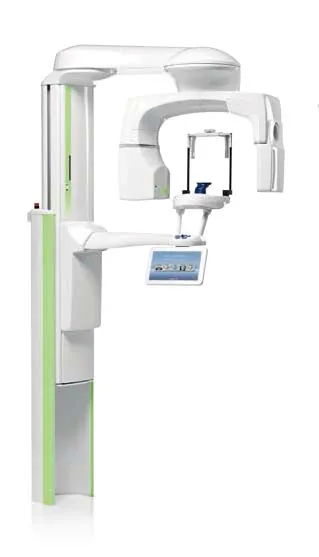
Tech tip · Dental Imaging
Planmeca ProMax Cephalostat with ProTouch User's Manual
User's manual for the Planmeca ProMax Cephalostat with ProTouch touchscreen, for accurate head positioning and cephalometric imaging on 2D and 3D ProMax units.
Planmeca
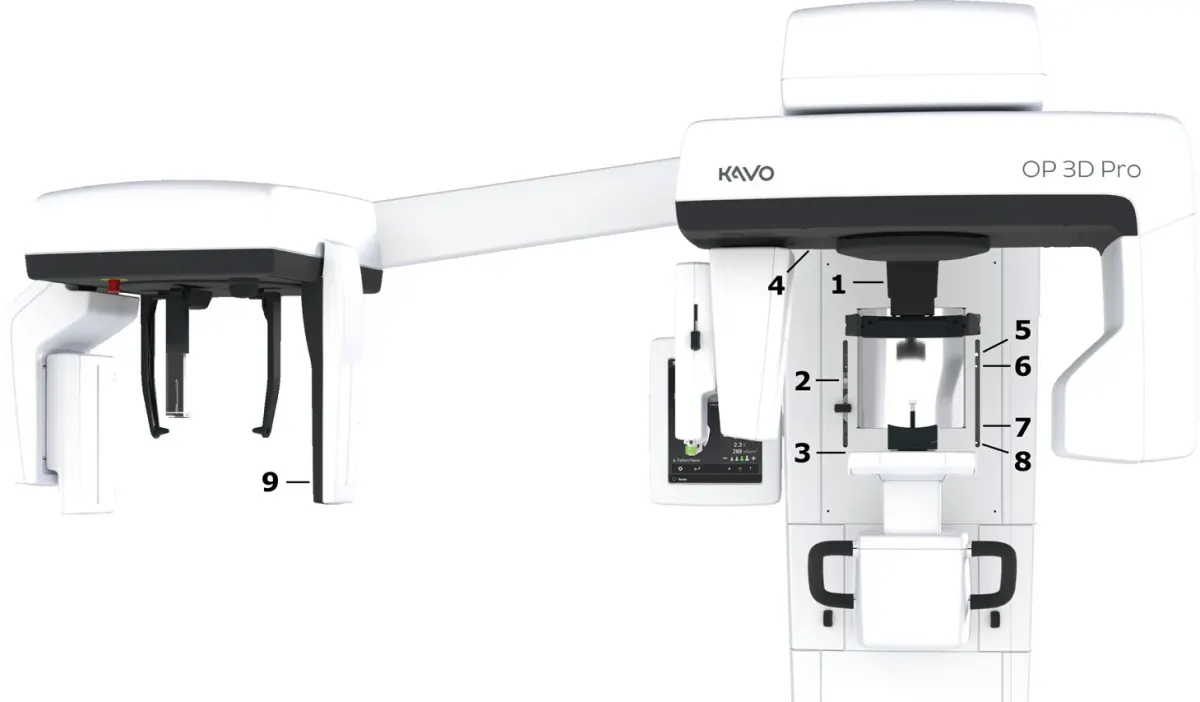
Tech tip · Dental Imaging
ORTHOPANTOMOGRAPH OP 3D Pro User Manual
User manual and technical specifications for the OP 3D Pro digital dental imaging system with panoramic, cephalometric and Cone Beam 3D programs.
Instrumentarium Dental
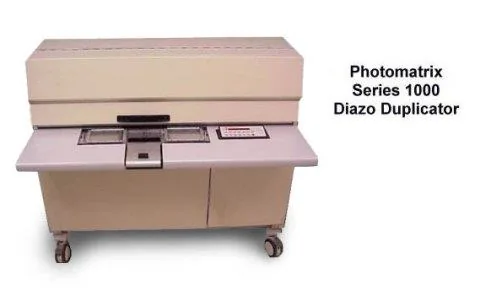
Tech tip · Microfilm
Tech Tip 91: Choosing the Correct IMAGELINK Product
IMAGELINK camera, duplicating, Archive Writer and COM films and processing chemicals grouped by equipment and application, with catalog numbers.
Eastman Park Micrographics