

Tech tip1 min read
Tech Tip 087: Crystallized Deposits in the Microfilm Developer Container
Crystals in microfilm developer replenisher containers are potassium sulfate from sulfite oxidation and are usually harmless.
The crystalline deposits sometimes seen in microfilm developer replenisher containers are Potassium Sulfate. This compound forms from the oxidation of Potassium Sulfite, a preservative that prevents the developing agents from oxidizing.
Highlights
- The deposits are a by-product of sulfite oxidation and show that the preservative is doing its job
- Small amounts are common in partly used cubes or drums that have been exposed to air and are usually harmless
- The crystals dissolve in water but do not dissolve in the high salt concentration of the developer, and there is no need to dissolve them
- Simply leave them in the container
- 1/4 to 1/2 inch of deposit in a cube, or even several inches in a drum, is not unusual
Source:Eastman Park Micrographics(epminc.com)(opens in a new tab)
Frequently asked questions
What are the crystalline deposits in microfilm developer replenisher containers?
They are Potassium Sulfate.
How do Potassium Sulfate deposits form?
They form from the oxidation of Potassium Sulfite.
Are these crystals in microfilm developer replenisher containers dangerous?
Small amounts in partly used cubes or drums exposed to air are common and usually harmless.
What should be done when crystalline deposits are seen in a microfilm developer replenisher container?
Simply leave them in the container; there is no need to dissolve them.
How much deposit in a microfilm developer replenisher container is not unusual?
1/4 to 1/2 inch of deposit in a cube, or even several inches in a drum, is not unusual.
Attachments
Comments
No comments yet. Be the first to share your view.
Leave a comment
More to read
Tech tip · Dental Imaging
Planmeca ProMax Cephalostat with ProTouch User's Manual
User's manual for the Planmeca ProMax Cephalostat with ProTouch touchscreen, for accurate head positioning and cephalometric imaging on 2D and 3D ProMax units.
Planmeca
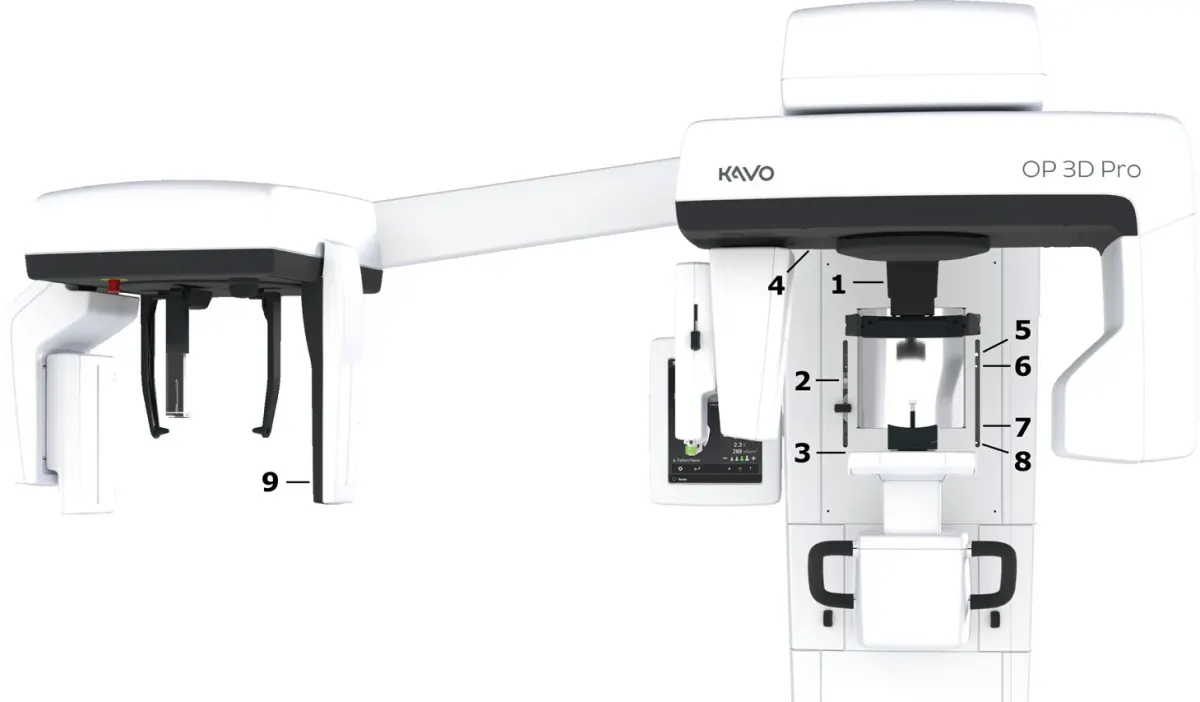
Tech tip · Dental Imaging
ORTHOPANTOMOGRAPH OP 3D Pro User Manual
User manual and technical specifications for the OP 3D Pro digital dental imaging system with panoramic, cephalometric and Cone Beam 3D programs.
Instrumentarium Dental
Tech tip · Microfilm
Tech Tip 91: Choosing the Correct IMAGELINK Product
IMAGELINK camera, duplicating, Archive Writer and COM films and processing chemicals grouped by equipment and application, with catalog numbers.
Eastman Park Micrographics