

Tech tip1 min read
Processor Control Troubleshooting Checklist
Step-by-step checklist for finding the cause when processor control strip values fall outside the allowed range.
If processor control strip values are outside the allowed range, check these steps in order to find the cause.
Highlights
- First rule out reading errors and measuring equipment
- Then check specific gravity, temperature and transport speed
- Finally, replace exhausted or contaminated chemistry
Troubleshooting steps
- Reread the control strips
- Repeat the test
- Check densitometer calibration
- Check chemical specific gravity with a hydrometer: EPM Concentrate Developer at 1 to 7 = 1.045 to 1.055; EPM Concentrate Fixer at 1 to 3 = 1.085 to 1.105
- Check developer temperature
- Check water temperature (5º below the developer)
- Check thermometer calibration
- Check transport speed and dwell time
- Check the expiration date of the control strip film
- Drain exhausted or contaminated chemistry
- Mix fresh chemistry
Source:Eastman Park Micrographics(epminc.com)(opens in a new tab)
Frequently asked questions
If processor control strip values are outside the allowed range, what steps should be checked in order?
First rule out reading errors and measuring equipment, then check specific gravity, temperature and transport speed, and finally replace exhausted or contaminated chemistry.
What should the specific gravity be for EPM Concentrate Developer and EPM Concentrate Fixer?
EPM Concentrate Developer at a 1 to 7 ratio is 1.045 to 1.055, and EPM Concentrate Fixer at a 1 to 3 ratio is 1.085 to 1.105.
What should the water temperature be relative to the developer?
The water temperature should be 5 degrees below the developer.
What should be checked before replacing the chemistry?
Reread the control strips, repeat the test, check densitometer calibration, chemical specific gravity, developer temperature, water temperature, thermometer calibration, transport speed and dwell time, and the expiration date of the control strip film.
Attachments
Comments
No comments yet. Be the first to share your view.
Leave a comment
More to read
Tech tip · Dental Imaging
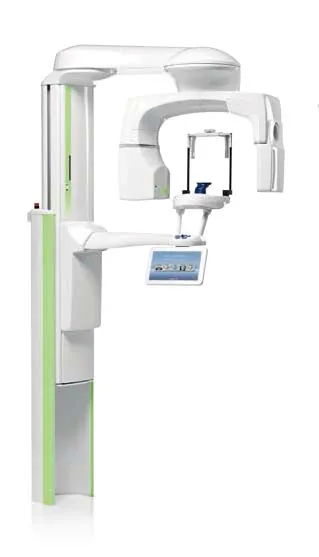
Planmeca ProMax Cephalostat with ProTouch User's Manual
User's manual for the Planmeca ProMax Cephalostat with ProTouch touchscreen, for accurate head positioning and cephalometric imaging on 2D and 3D ProMax units.
Planmeca
Tech tip · Dental Imaging
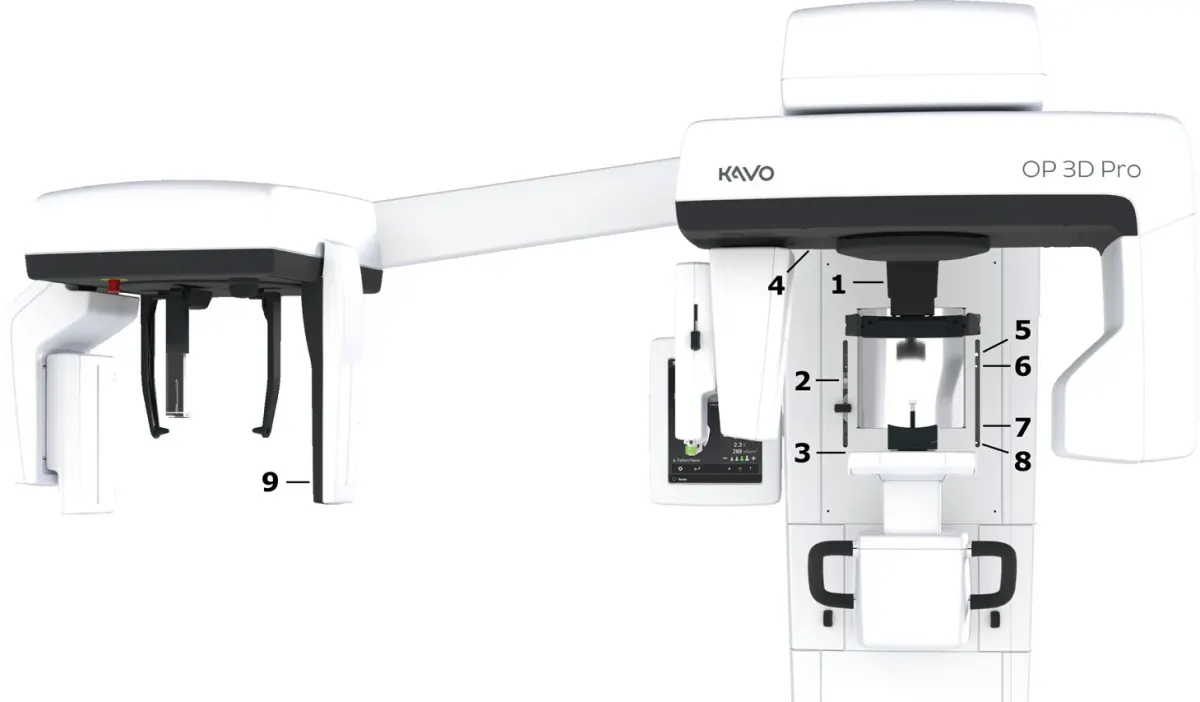
ORTHOPANTOMOGRAPH OP 3D Pro User Manual
User manual and technical specifications for the OP 3D Pro digital dental imaging system with panoramic, cephalometric and Cone Beam 3D programs.
Instrumentarium Dental
Tech tip · Microfilm
Tech Tip 91: Choosing the Correct IMAGELINK Product
IMAGELINK camera, duplicating, Archive Writer and COM films and processing chemicals grouped by equipment and application, with catalog numbers.
Eastman Park Micrographics