

Tech tip1 min read
Tech Tip 011: Contributors to Dirty Microfilm in the Processor
Four simple processor maintenance tasks that prevent dirty microfilm and density variation: filters, water heater flushing and wash tank cleaning.
Some microfilm service providers experience film density variation and dirty film coming out of the processor. Investigation has shown that the cause is usually neglect of four simple maintenance tasks.
Highlights
- Replace developer and fixer filters monthly with 20 micron filters for proper chemical circulation and agitation
- Replace the processor incoming water filter monthly with a 5 micron filter to keep particles out of the spray nozzles
- Flush sediment from the water heater every 3 months, for 10 seconds from the bottom of the tank until the water turns from milky to clear
- Clean wash tanks monthly with 1 cup of household bleach per tank to prevent algae growth
Source:Eastman Park Micrographics(epminc.com)(opens in a new tab)
Frequently asked questions
Why does film come out dirty from the processor with density variation?
The cause is usually neglect of four simple maintenance tasks: replacing the developer and fixer filters, the incoming water filter, flushing the water heater, and cleaning the wash tanks.
How often and with which filter should developer and fixer filters be replaced?
Monthly, with 20 micron filters, for proper chemical circulation and agitation.
How often and with which filter should the processor incoming water filter be replaced?
Monthly, with a 5 micron filter, to keep particles out of the spray nozzles.
How and how often should water heater sediment be flushed?
Every 3 months, for 10 seconds from the bottom of the tank until the water turns from milky to clear.
How should wash tanks be cleaned to prevent algae growth?
Monthly, with 1 cup of household bleach per tank.
Attachments
Comments
No comments yet. Be the first to share your view.
Leave a comment
More to read
Tech tip · Dental Imaging
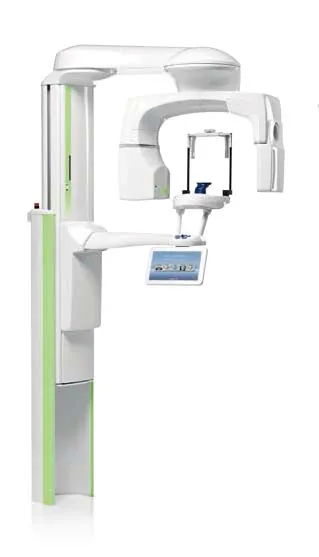
Planmeca ProMax Cephalostat with ProTouch User's Manual
User's manual for the Planmeca ProMax Cephalostat with ProTouch touchscreen, for accurate head positioning and cephalometric imaging on 2D and 3D ProMax units.
Planmeca
Tech tip · Dental Imaging
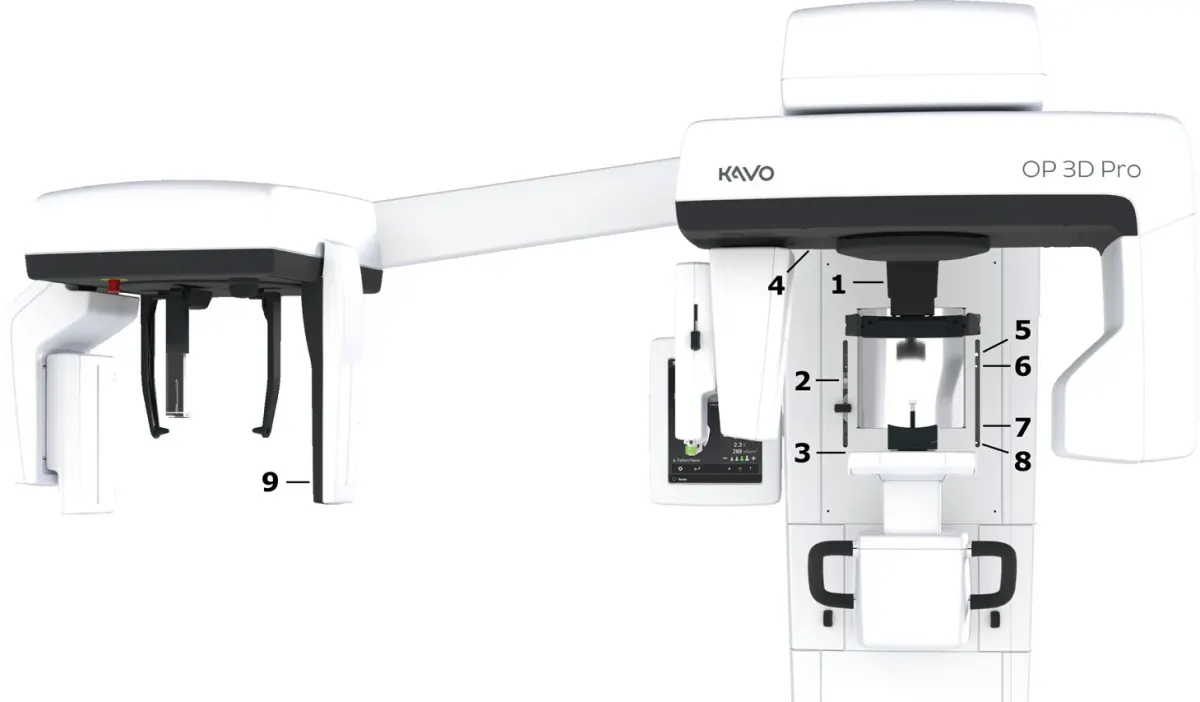
ORTHOPANTOMOGRAPH OP 3D Pro User Manual
User manual and technical specifications for the OP 3D Pro digital dental imaging system with panoramic, cephalometric and Cone Beam 3D programs.
Instrumentarium Dental
Tech tip · Microfilm
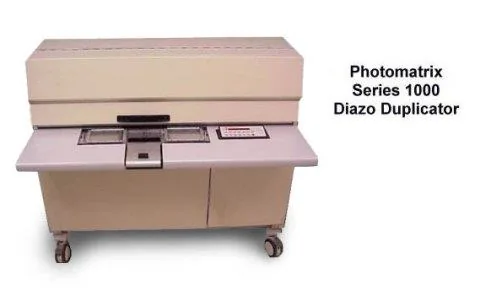
Tech Tip 91: Choosing the Correct IMAGELINK Product
IMAGELINK camera, duplicating, Archive Writer and COM films and processing chemicals grouped by equipment and application, with catalog numbers.
Eastman Park Micrographics