

Tech tip2 min read
Tech Tip 010: Cleaning Dirty Microfilm and Keeping It Clean
Why microfilm gets dirty, how to rewash it, and how a cleaning roll and particle cleaning rollers keep film and reader paths clean.
Archival microfilm that is physically sound can be cleaned and rewashed. This guide explains why film gets dirty and simple ways to keep it clean in readers.
Highlights
- Common causes of dirt: improper washing during processing, poor storage and storage environment, improper film handling and dirty film paths in readers
- Before rewashing, check the film for splices, tears and kinks so it does not jam in the processor
- Rewashing may repair minor scratches in the gelatin layer, but most scratches remain
- Use a "cleaning roll" daily on reader-printers to clean the film path
- Film Particle Cleaning Rollers clean film without damaging the surface or images
Cleaning roll method
A roll of processed, completely clear film (D-Min) readily picks up dust because of its greater tendency to hold static. Thread this roll through the reader film path like normal film, advance it for 10 seconds, then rewind and remove it. The collected dust is visible on the film surface. Cut off each dirty section and keep using the roll until it is used up. Contact the processing lab for a replacement roll.
Cleaning rollers
Tacky Film Particle Cleaning Rollers are designed specifically for cleaning film and do not damage the film surface or images. They are available from Kodak Motion Picture in two types: 35mm Shiny (Catalog # 189-2520) and 35mm Matte (Catalog # 833-6919).
Source:Eastman Park Micrographics(epminc.com)(opens in a new tab)
Frequently asked questions
How can dirty archival microfilm be cleaned?
Archival microfilm that is physically sound can be cleaned and rewashed. Before rewashing, check the film for splices, tears and kinks so it does not jam in the processor.
What is the cleaning roll method for cleaning the film path in readers?
Thread a roll of processed, completely clear film (D-Min) through the reader film path like normal film, advance it for 10 seconds, then rewind and remove it. The collected dust is visible on the film surface; cut off each dirty section and keep using the roll until it is used up.
What are the common causes of microfilm dirt?
Common causes of dirt are improper washing during processing, poor storage and storage environment, improper film handling, and dirty film paths in readers.
Where do Film Particle Cleaning Rollers come from and what types are available?
Tacky Film Particle Cleaning Rollers are available from Kodak Motion Picture in two types: 35mm Shiny (Catalog # 189-2520) and 35mm Matte (Catalog # 833-6919), and they do not damage the film surface or images.
What effect does rewashing have on gelatin layer scratches?
Rewashing may repair minor scratches in the gelatin layer, but most scratches remain.
Attachments
Comments
No comments yet. Be the first to share your view.
Leave a comment
More to read

Tech tip · Dental Imaging
Planmeca ProMax Cephalostat with ProTouch User's Manual
User's manual for the Planmeca ProMax Cephalostat with ProTouch touchscreen, for accurate head positioning and cephalometric imaging on 2D and 3D ProMax units.
Planmeca
Tech tip · Dental Imaging
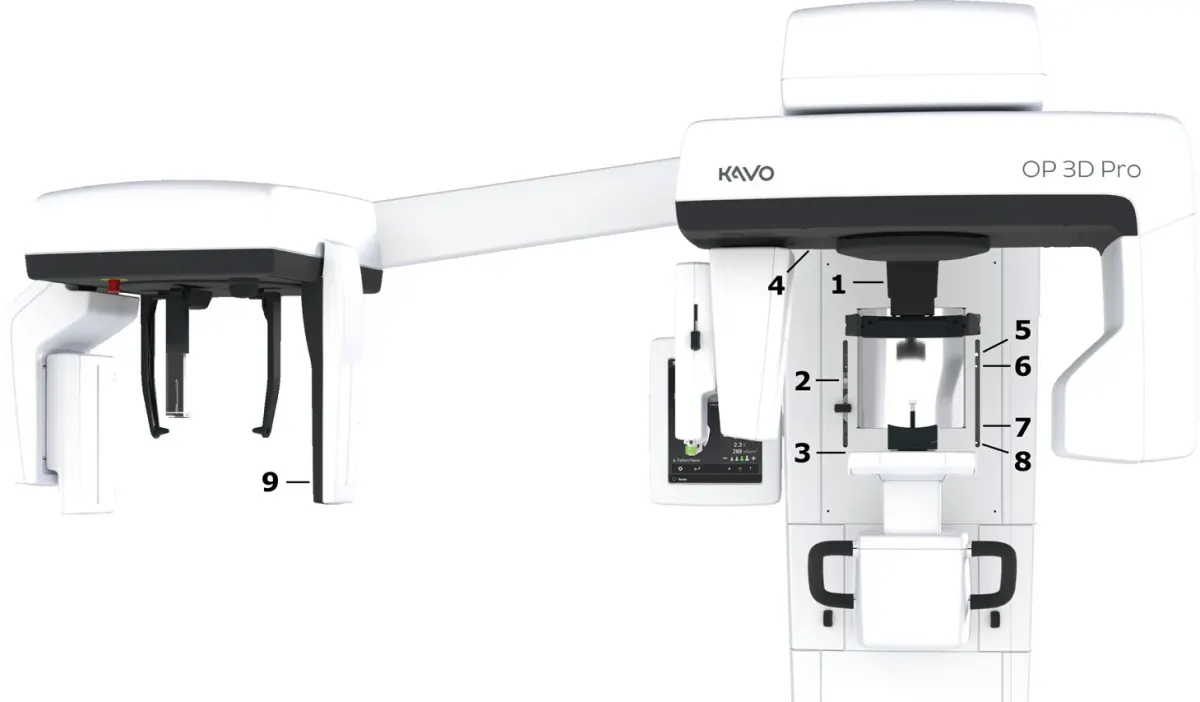
ORTHOPANTOMOGRAPH OP 3D Pro User Manual
User manual and technical specifications for the OP 3D Pro digital dental imaging system with panoramic, cephalometric and Cone Beam 3D programs.
Instrumentarium Dental
Tech tip · Microfilm
Tech Tip 91: Choosing the Correct IMAGELINK Product
IMAGELINK camera, duplicating, Archive Writer and COM films and processing chemicals grouped by equipment and application, with catalog numbers.
Eastman Park Micrographics