

Tech tip1 min read
Tech Tip 008: Brown Toning Procedure in the IMAGELINK Archive Processor
How to brown tone processed microfilm in the IMAGELINK Archive Processor: 1:25 mix, 95 to 100°F water, five toner tanks and 10 ft/min speed.
This guide describes the procedure for brown toning microfilm on its own (without simultaneous processing) in the IMAGELINK Archive Processor.
Highlights
- 1:25 mix ratio for brown toning in the IMAGELINK Archive Processor
- Processor water temperature between 95°F (35°C) and 100°F (38°C)
- The first five tanks are filled with toner solution and the last tank is the wash
- Processor speed of 10 ft/min, equal to a dwell time of 33 seconds
Steps
- Mix Brown Toner concentrate and water in a large container at a 1:25 ratio.
- Stir the solution for one minute.
- Set the processor water temperature between 95°F/35°C and 100°F/38°C.
- Pour the solution into the first five tanks; the last tank is for washing.
- Set the processor speed to 10 ft/min for a dwell time of 33 seconds.
Source:Eastman Park Micrographics(epminc.com)(opens in a new tab)
Frequently asked questions
What is the mix ratio of Brown Toner concentrate to water for brown toning in the IMAGELINK Archive Processor?
The mix ratio is 1:25. The concentrate and water are mixed in a large container and stirred for one minute.
What water temperature should the processor be set to for brown toning in the IMAGELINK Archive Processor?
The processor water temperature should be set between 95°F (35°C) and 100°F (38°C).
Which tanks are filled with toner solution during microfilm brown toning?
The solution is poured into the first five tanks, and the last tank is used for washing.
What processor speed and dwell time are used for brown toning?
The processor speed should be 10 ft/min, giving a dwell time of 33 seconds.
Attachments
Comments
No comments yet. Be the first to share your view.
Leave a comment
More to read
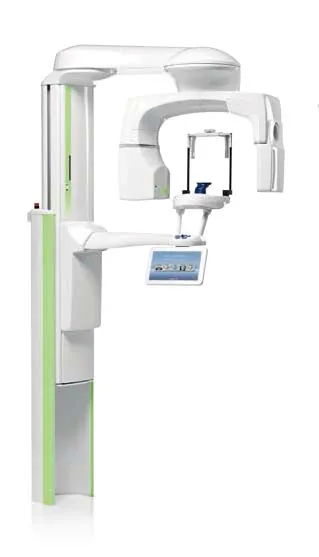
Tech tip · Dental Imaging
Planmeca ProMax Cephalostat with ProTouch User's Manual
User's manual for the Planmeca ProMax Cephalostat with ProTouch touchscreen, for accurate head positioning and cephalometric imaging on 2D and 3D ProMax units.
Planmeca
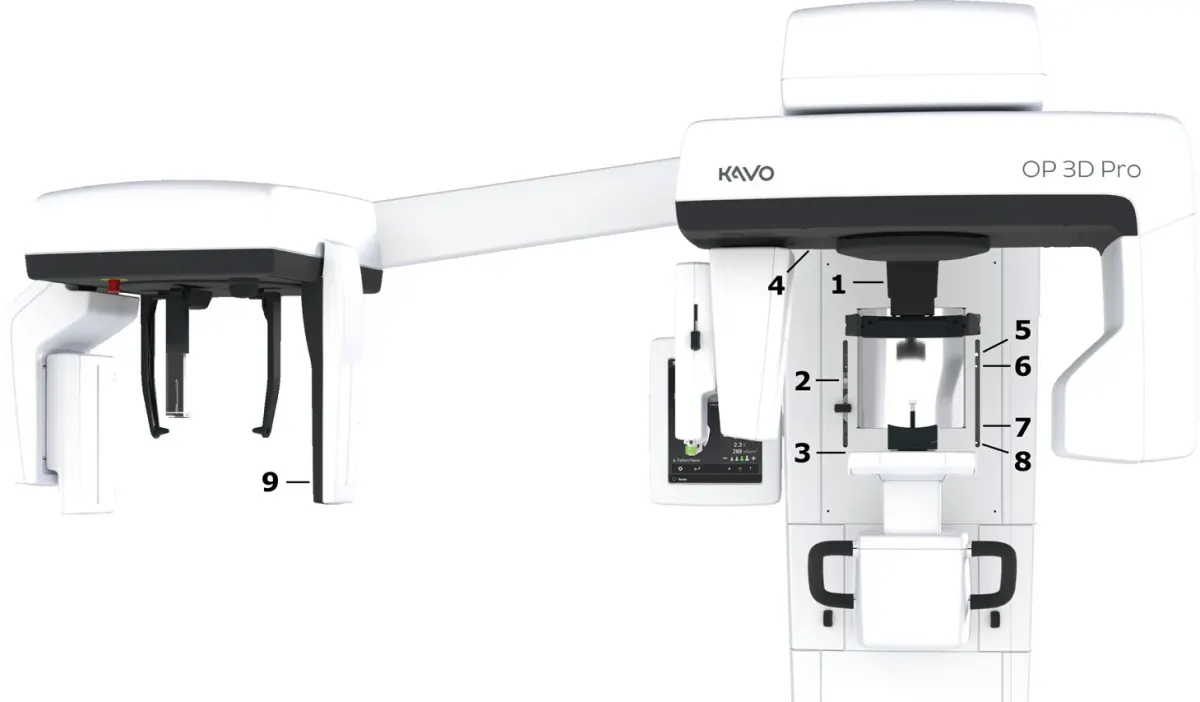
Tech tip · Dental Imaging
ORTHOPANTOMOGRAPH OP 3D Pro User Manual
User manual and technical specifications for the OP 3D Pro digital dental imaging system with panoramic, cephalometric and Cone Beam 3D programs.
Instrumentarium Dental
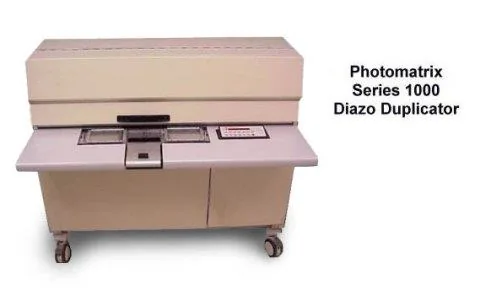
Tech tip · Microfilm
Tech Tip 91: Choosing the Correct IMAGELINK Product
IMAGELINK camera, duplicating, Archive Writer and COM films and processing chemicals grouped by equipment and application, with catalog numbers.
Eastman Park Micrographics