

Tech tip1 min read
Fixing Water Problems in a Microfilm Processor
Fix water spots on processed microfilm by controlling water hardness, using Kodak Photo-Flo Solution correctly and maintaining the dryer.
Water spots on film leaving the processor are often caused by hard water. Controlling water quality, using Photo-Flo solution correctly and maintaining the dryer section solve the problem.
Highlights
- Desirable total water hardness: 40 to 150 ppm
- Desirable total dissolved solids (TDS): below 200 ppm
- Free water analysis available from the EPM Quality Assurance Lab
- Kodak Photo-Flo Solution helps prevent mineral deposits on film
Using Kodak Photo-Flo Solution
| Parameter | Value |
|---|---|
| Catalog Number | 146-4510 |
| Volume | 16 fluid ounces |
| Mix ratio | 1 part solution to 9 parts water |
| Usage | A few drops per liter of wash tank water (avoid overuse) |
Dryer maintenance
- Dryer cabinet rollers must be free of water deposits
- Provide adequate airflow to the dryer
- Clean the intake air filter monthly
Source:Eastman Park Micrographics(epminc.com)(opens in a new tab)
Frequently asked questions
Why do water spots appear on microfilm leaving the processor?
Water spots on film leaving the processor are often caused by hard water.
What are the acceptable water hardness and TDS values for a microfilm processor?
The desirable total water hardness is 40 to 150 ppm, and the desirable total dissolved solids (TDS) is below 200 ppm.
How should Kodak Photo-Flo Solution be used for a microfilm processor wash tank?
Mix at a ratio of 1 part solution to 9 parts water, and use a few drops per liter of wash tank water, avoiding overuse.
What maintenance is required for the microfilm processor dryer section?
The dryer cabinet rollers must be free of water deposits, adequate airflow must be provided to the dryer, and the intake air filter must be cleaned monthly.
Attachments
Comments
No comments yet. Be the first to share your view.
Leave a comment
More to read
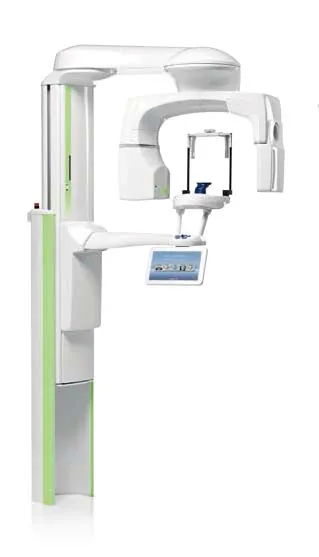
Tech tip · Dental Imaging
Planmeca ProMax Cephalostat with ProTouch User's Manual
User's manual for the Planmeca ProMax Cephalostat with ProTouch touchscreen, for accurate head positioning and cephalometric imaging on 2D and 3D ProMax units.
Planmeca
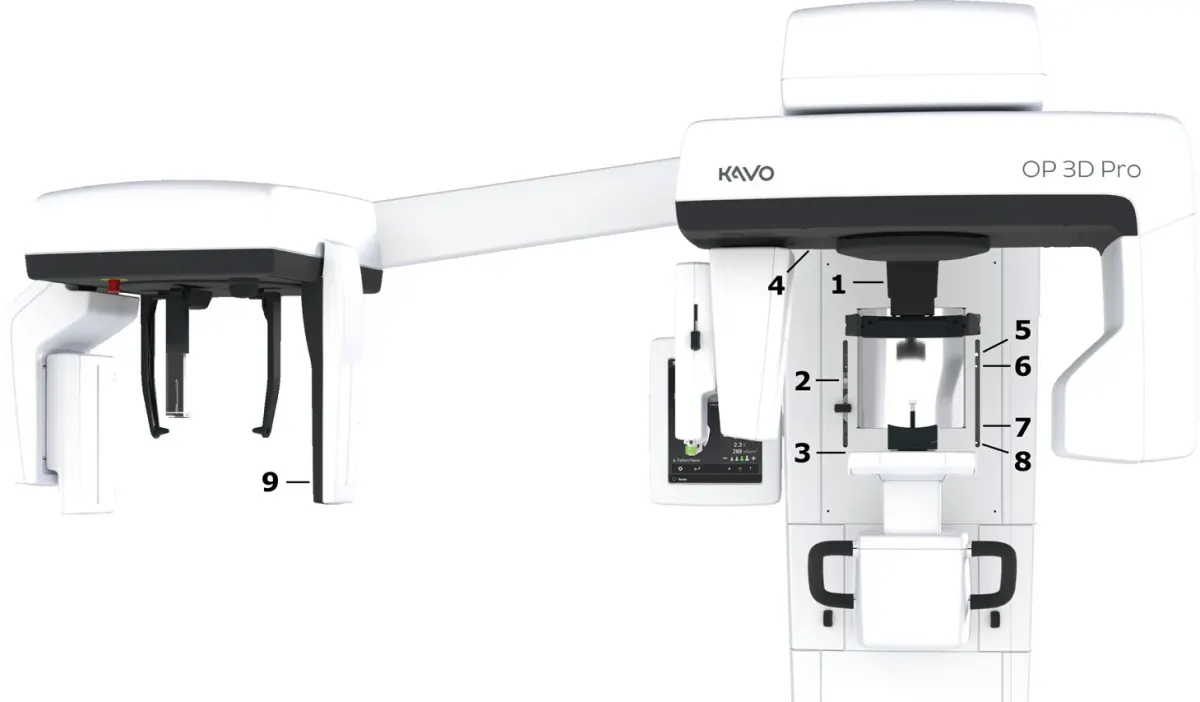
Tech tip · Dental Imaging
ORTHOPANTOMOGRAPH OP 3D Pro User Manual
User manual and technical specifications for the OP 3D Pro digital dental imaging system with panoramic, cephalometric and Cone Beam 3D programs.
Instrumentarium Dental
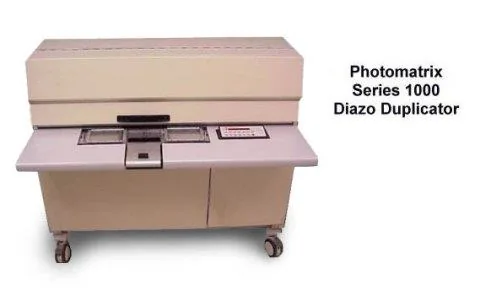
Tech tip · Microfilm
Tech Tip 91: Choosing the Correct IMAGELINK Product
IMAGELINK camera, duplicating, Archive Writer and COM films and processing chemicals grouped by equipment and application, with catalog numbers.
Eastman Park Micrographics