

Article1 min read
Workstation Software Minimum System Requirements
Minimum computer hardware and software requirements for installing and running the imaging workstation software, including CPU, RAM, network and Windows version.
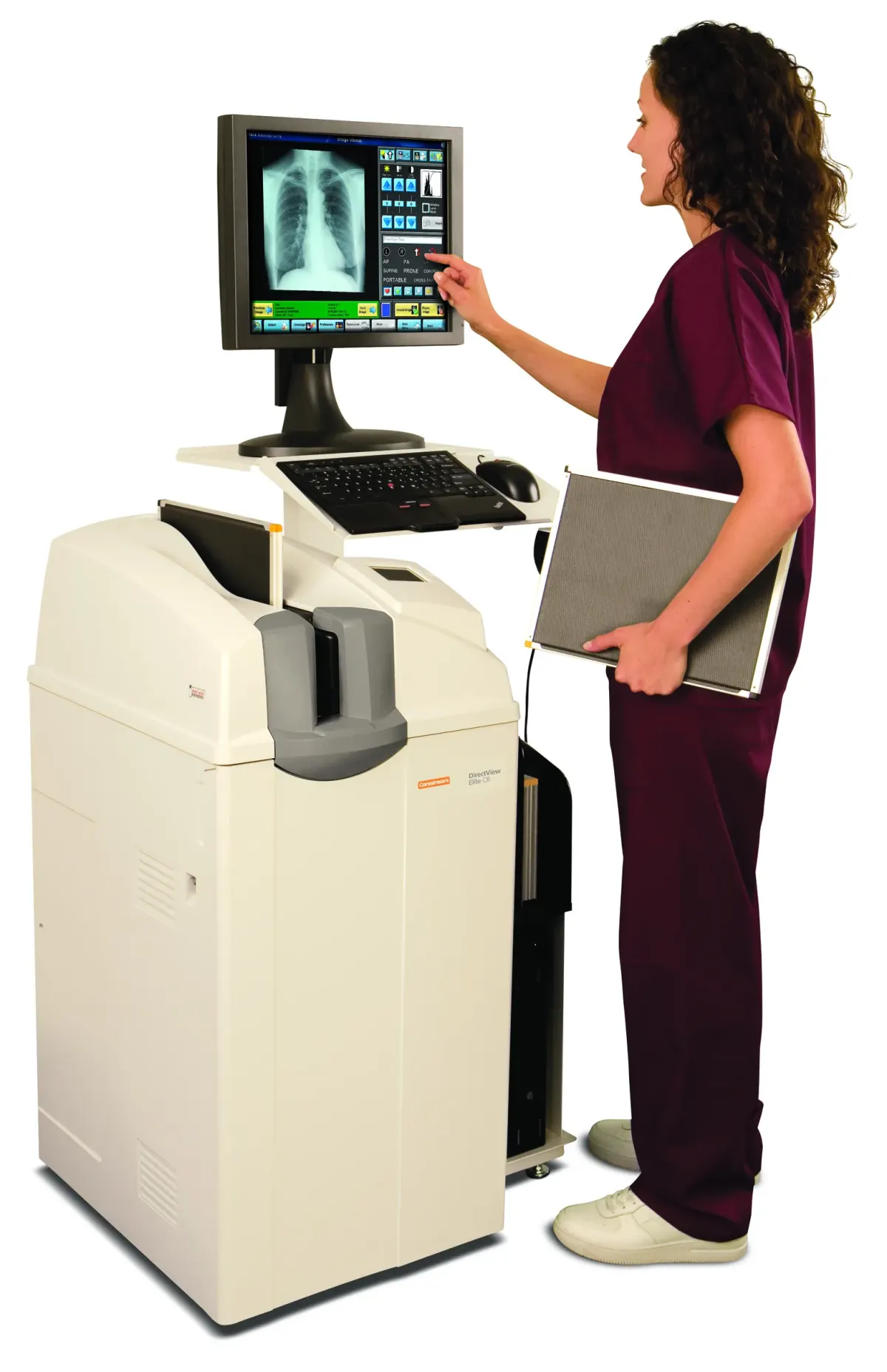
This document specifies the minimum computer hardware and software requirements for installing and running the imaging workstation software. The computer network must also meet the network requirements of the detector. The product or manufacturer name is not stated in the document.
Highlights
- Intel 8th Gen i5/i7 processor or higher
- At least 8 GB RAM
- At least 100 GB hard disk, more if there is no image storage server
- TCP/IP network that also meets the detector network requirements
- At least one USB port for the dongle
- 1920x1080 display resolution, with support for 2K and 4K
- 64-bit Windows 7/8/10 with Microsoft .Net Framework v4.x
Specifications
| Parameter | Minimum requirement | Remark |
|---|---|---|
| CPU | Intel 8th Gen i5/i7 or higher | |
| RAM | 8 GB or above | |
| Hard disk | 100 GB or above | If there is no image storage server, a larger capacity is recommended |
| Network | TCP/IP | Must also meet the network requirements of the detector |
| USB port | At least one for the dongle | Except dongle |
| Display resolution | Best resolution 1920x1080, adaptive to 2K and 4K | Professional color monitors look better |
| Operating system | Windows 7/8/10, 64-bit | Microsoft .Net Framework v4.x enabled |
| Security software | Windows Defender |
Frequently asked questions
What is the minimum RAM for running the imaging workstation software?
At least 8 GB of RAM is required.
What processor is required for the imaging workstation software?
An Intel 8th Gen i5/i7 processor or higher is required.
Which operating systems are supported for the imaging workstation software?
64-bit Windows 7/8/10 with Microsoft .Net Framework v4.x enabled is supported.
What is the minimum hard disk capacity for the imaging workstation software?
At least 100 GB of hard disk is required, and a larger capacity is recommended if there is no image storage server.
What display resolution is recommended for the imaging workstation software?
The best resolution is 1920x1080, with support for 2K and 4K.
What network requirement applies to the imaging workstation software?
The TCP/IP network must also meet the network requirements of the detector.
Attachments
Comments
No comments yet. Be the first to share your view.
Leave a comment
More to read
Article · Mammography
Agfa Mammography Portfolio
Agfa's vendor-neutral mammography portfolio: Mamoray film, DRYSTAR printers, MUSICA processing, CR Mammo and DR Mammo Retrofit.
Agfa
Article · DR Detectors
Agfa Digital Radiography (DR) Portfolio Overview
Overview of the Agfa DR portfolio: DR 600, DR 800, DX-D 300, DR 400, DX-D 100+, DR 100e, DR Retrofit and DR detectors, all powered by MUSICA image processing.
Agfa
Article · Veterinary
Agfa Equine Digital Radiography with MUSICA 3+ Image Processing
Agfa veterinary DR for equine and large animal imaging with MUSICA 3+ processing, wireless detectors and a low-cost upgrade path from film or CR.
Agfa